Every BackSight feature, as it works today
Here’s every part of BackSight as it stands today. All of it works in the demo, with sample data.
The job card
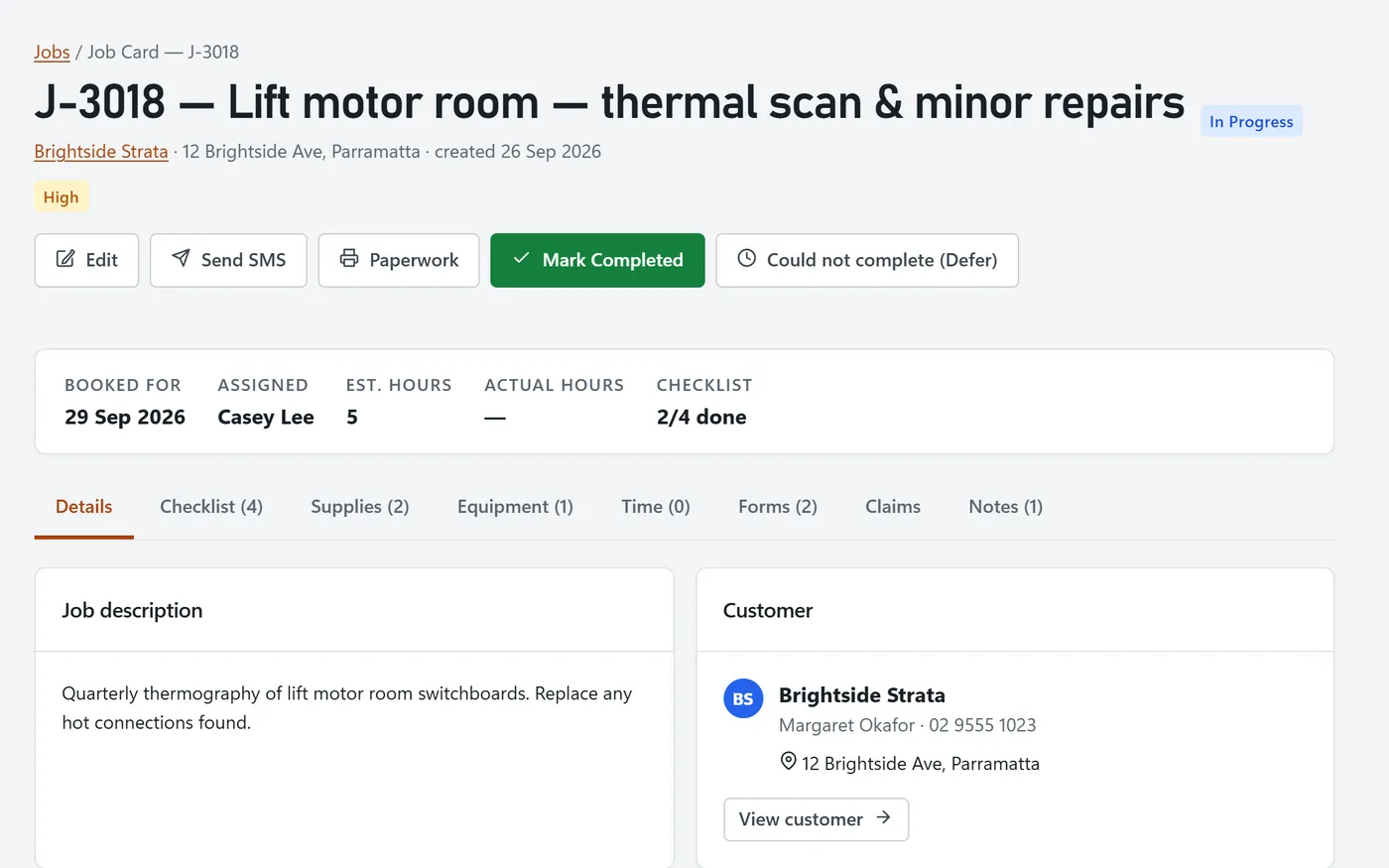
Open a job to find its customer, site, crew and booking. The same card holds its checklist, materials, instruments, time, forms and notes. If a visit cannot be finished, record the reason and rebook it.
Five scheduler views
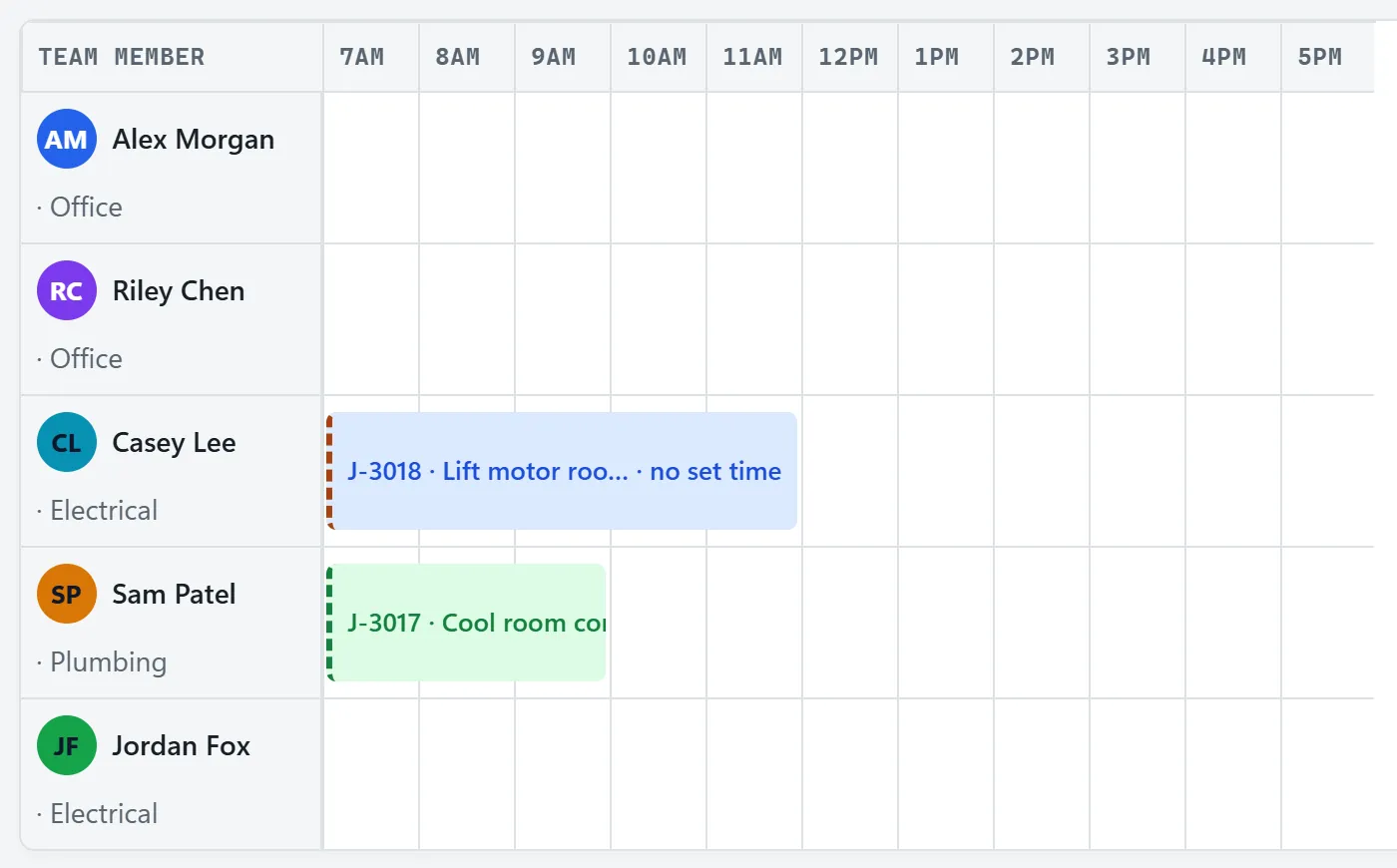
Use the week board to book work, or the roster to check start times and gaps. The whiteboard groups jobs by status, the Gantt shows longer jobs across a month, and the suburb view groups nearby work.
Invoices and claims
Raise an invoice from the job and record each payment. For staged work, set a claim schedule against the contract, with retention if needed. The invoice list shows what is paid, part-paid or overdue.
See how progress claims work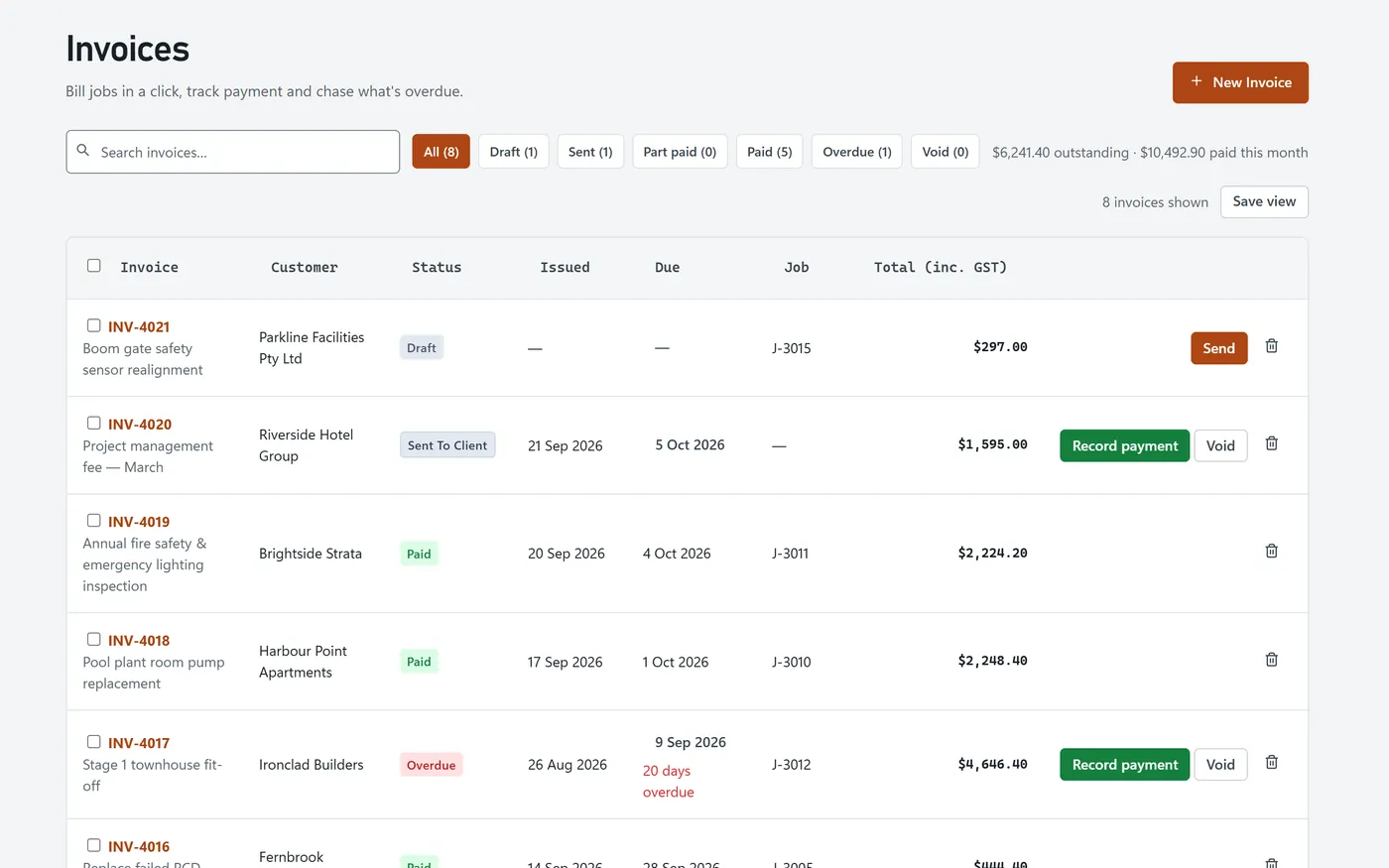
Module reference
| Module | What it does | Points |
|---|---|---|
| Enquiries | Record new work and follow it up. |
|
| Quotes | Price from your own rates and stock. |
|
| Jobs | Keep the job details with the work. |
|
| Scheduler | Book people against jobs. |
|
| Timesheets | Log time and approve the week. |
|
| Invoices | Record what is owed and paid. |
|
| Progress claims | Invoice stages against the contract. |
|
| Purchase orders | Order supplies for a job. |
|
| Inventory | Track stock by location. |
|
| Equipment register | Record instruments and other assets. |
|
| Forms and checklists | Attach your own forms to jobs. |
|
| Document templates | Edit the paperwork you issue. |
|
| Customers | Keep contact details and job history. |
|
| Reports | Read the figures behind your jobs. |
|
| Dashboard and tasks | Review work that needs attention. |
|
Frequently asked questions
What does BackSight include?
Enquiries, quotes, jobs, a five-view scheduler, timesheets, invoicing, progress claims, purchase orders, inventory, an equipment register, forms and checklists, document templates, customers, reports and a dashboard.
Can I try every feature?
Yes. The early-access demo includes every module with realistic sample data, so you can follow a job from enquiry to paid invoice.
Can I export my data?
Customer lists, timesheets and reports can be exported as CSV files, and quotes, invoices and job paperwork can be printed or saved as PDF from your browser.