Timesheets and job labour costs
Log time against jobs, approve the week for payroll and see what every job really cost in labour.
From logged hours to job costs in four steps
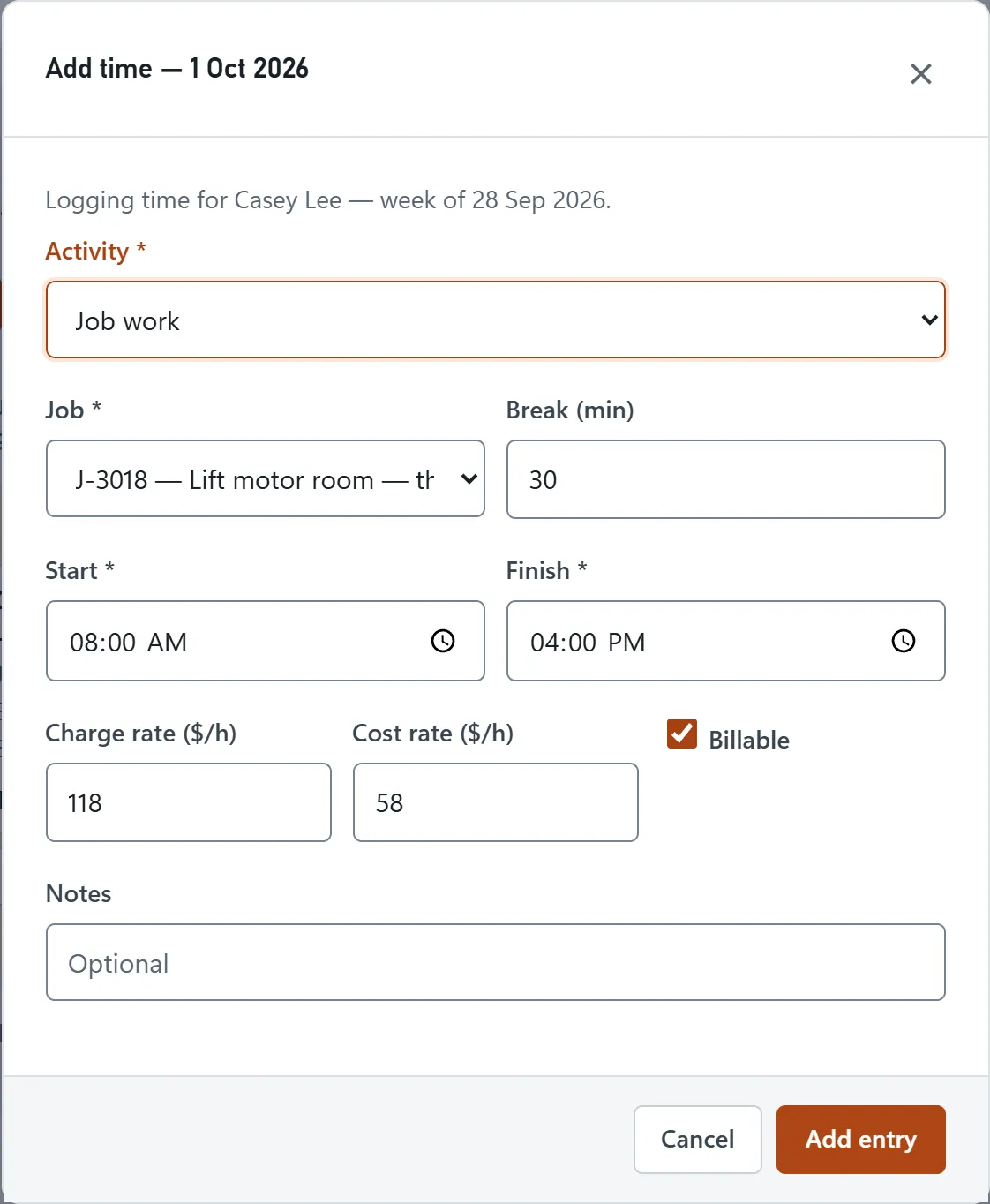
- Log timeAdd start and finish times, breaks and a note against the job.
- Review the weekCheck each person’s week, with billable hours and charge value.
- Approve itApprove the week for payroll. Long days and long weeks are flagged.
- Cost the jobSee labour cost in job profitability, or export the week as a CSV file.
Log time against the job
Staff log time to jobs with start and finish times and breaks, so hours match the work that was actually done.
- Start, finish and break for each entry
- Notes that explain the work
- Daily and weekly totals
Approve the week in one click
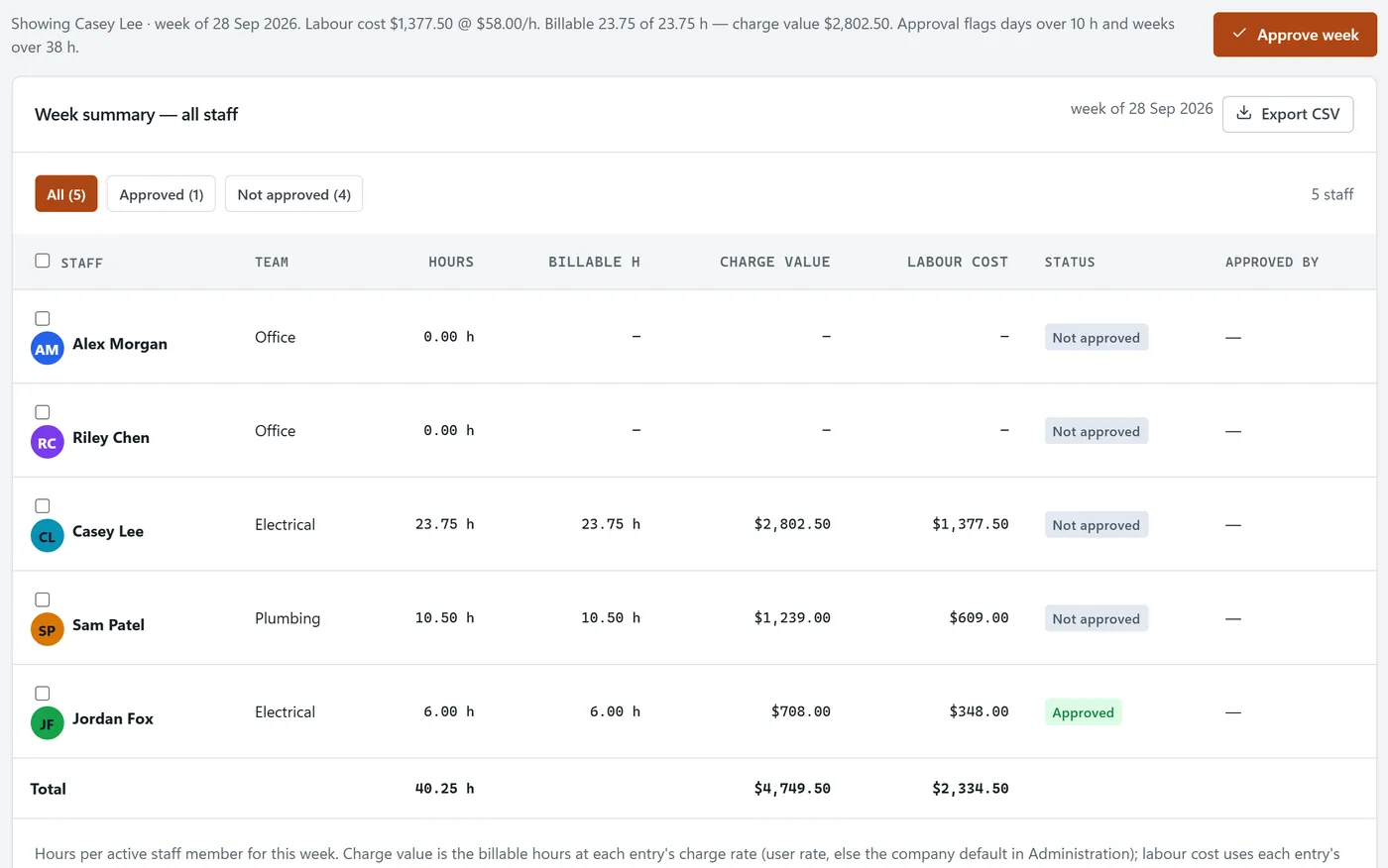
Week totals, billable hours and charge value sit above the timesheet, and approval is recorded with the approver’s name.
- Billable hours and charge value per week
- Approval flags long days and long weeks
- Week summary for the whole team
Compare labour cost with billed work
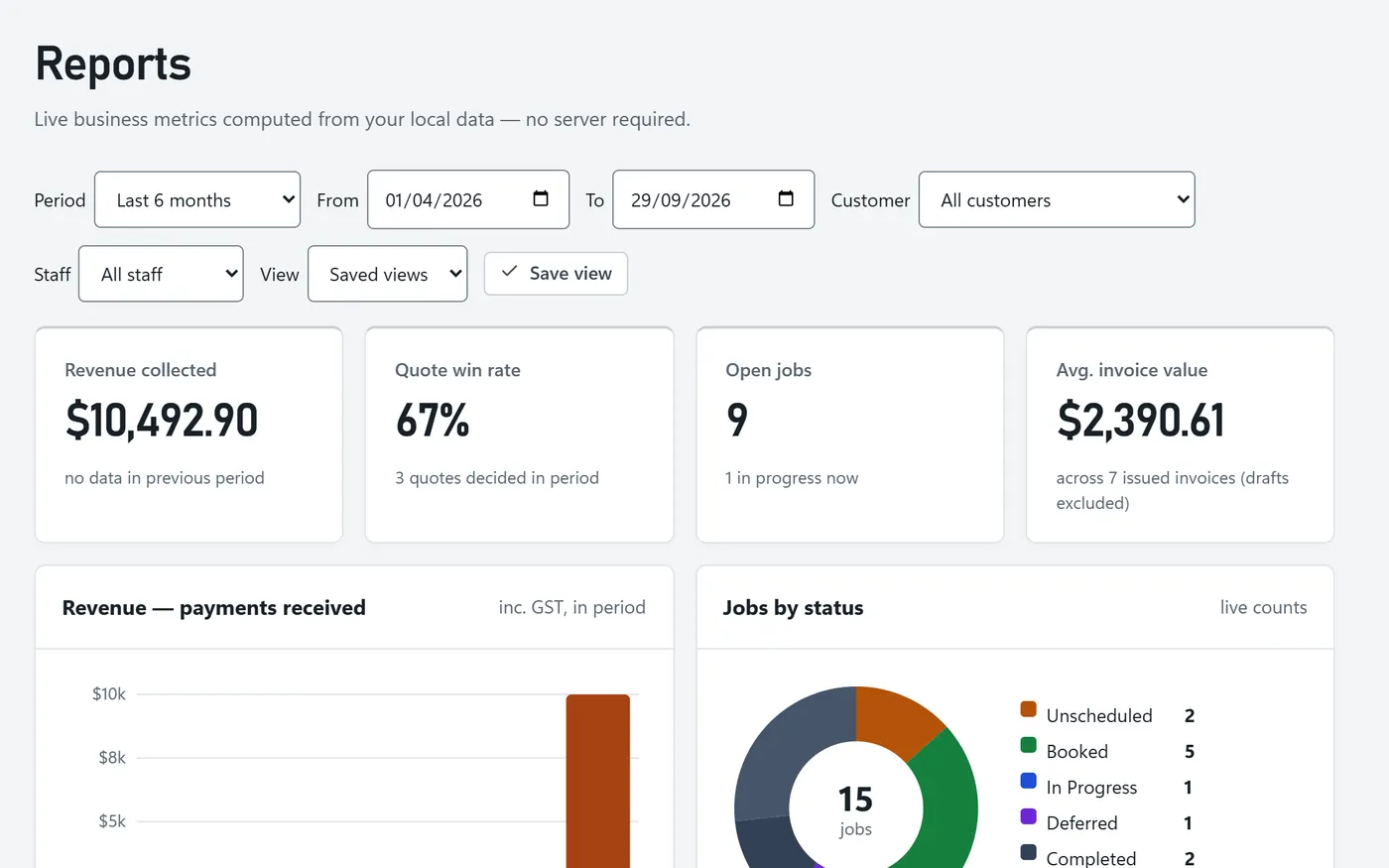
Because every hour belongs to a job, BackSight can compare what you billed with what the labour and supplies cost.
- Job profitability: billed, labour, supplies and margin
- Staff hours and utilisation report
- CSV export for payroll or your accountant
Related features
Job scheduling
Book the work, then log the hours against it.
Quoting & invoicing
Invoice the hours and materials on the job.
For surveyors
Track field and office hours on every survey job.
Frequently asked questions
How do staff record their time?
Each entry has a start and finish time, a break and a note, and is logged against a job. The week view shows every entry and the daily totals.
Can I approve timesheets for payroll?
Yes. Review a team member’s week and approve it; the approval and who approved it are recorded, and the week summary shows who’s still waiting.
How is labour cost worked out?
Logged hours are multiplied by the cost rate for that entry, using the person’s own rate or your company default. The result feeds the job profitability report.
Can I export timesheets?
Yes. The week summary for all staff exports as a CSV file.